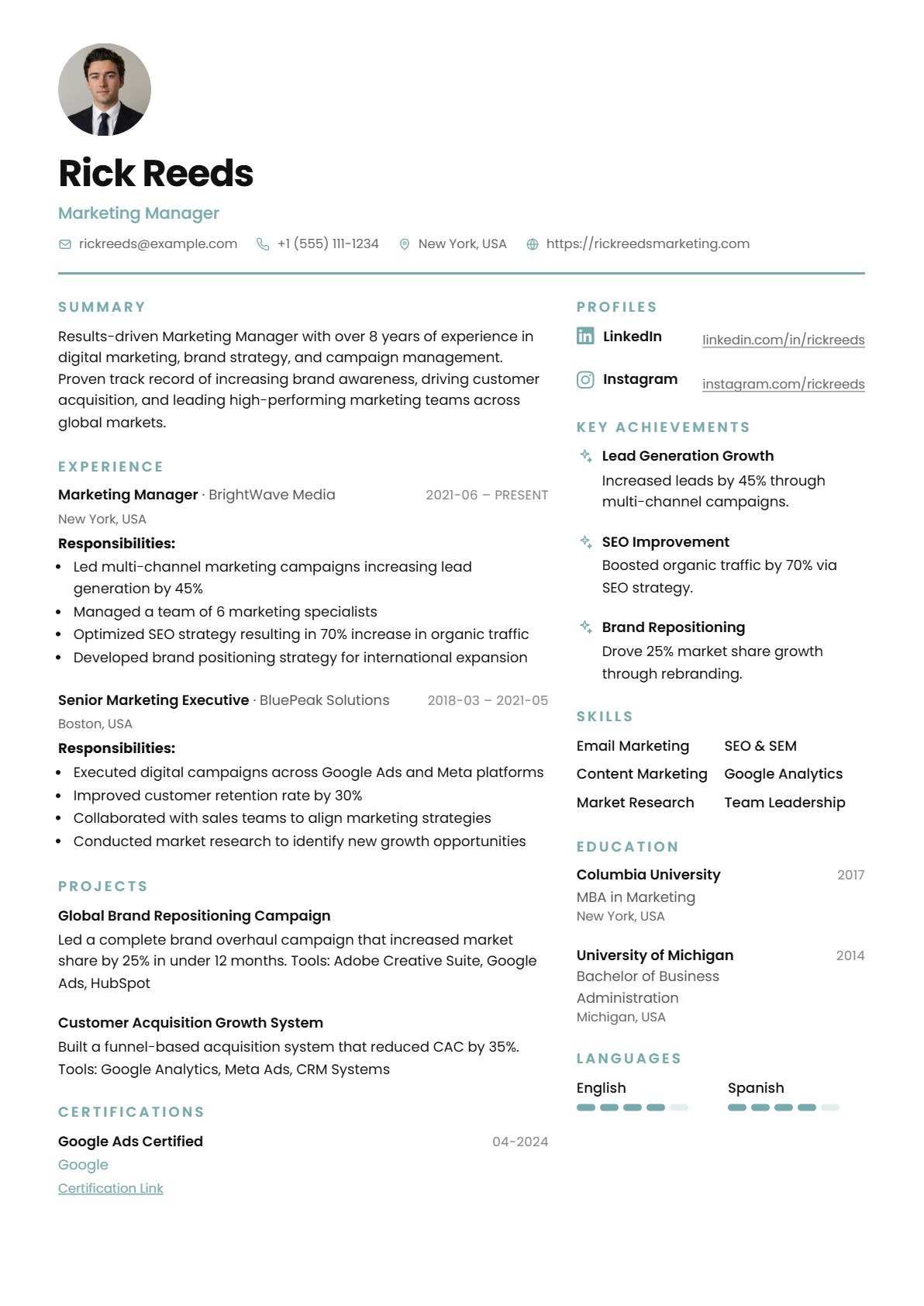
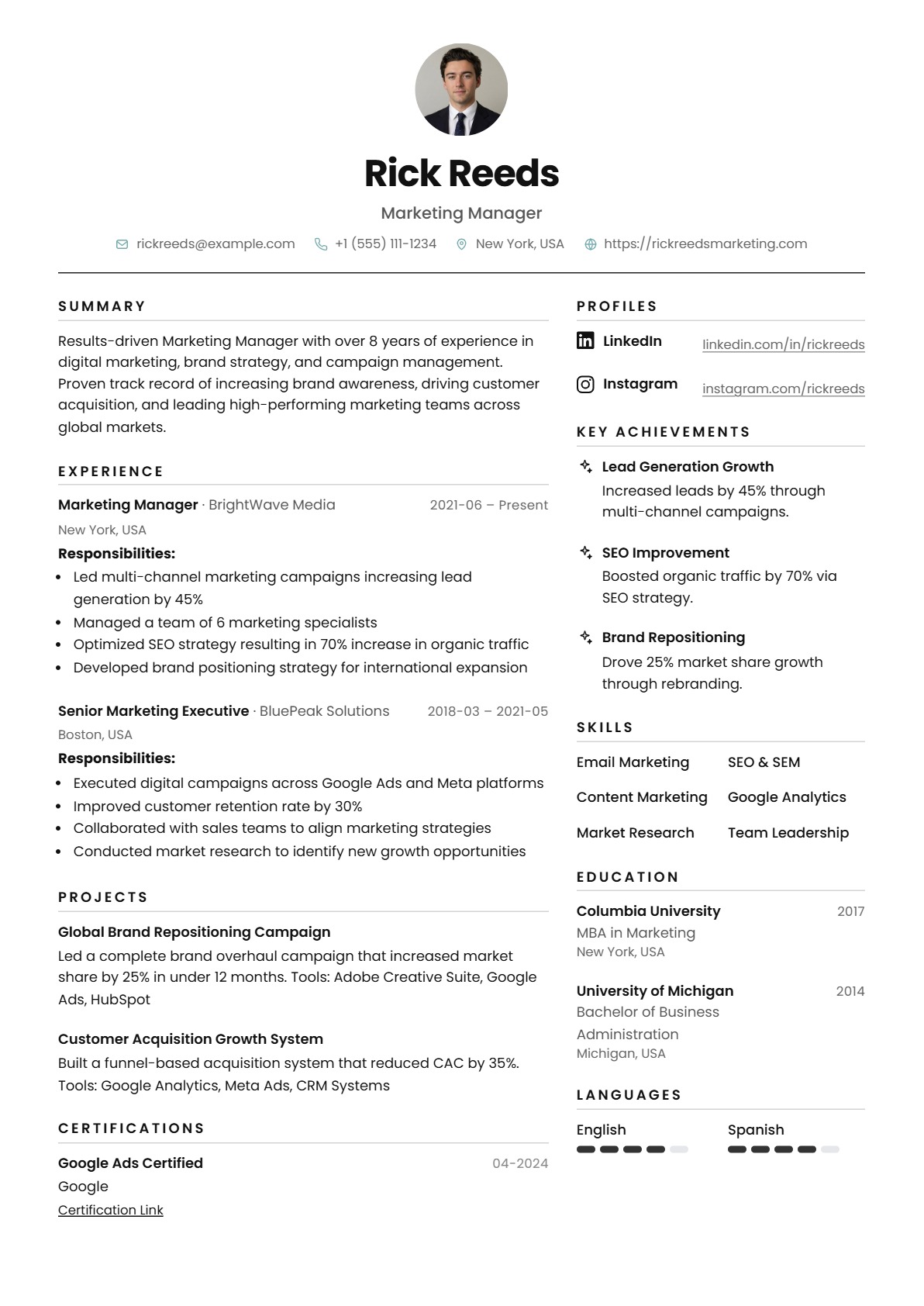
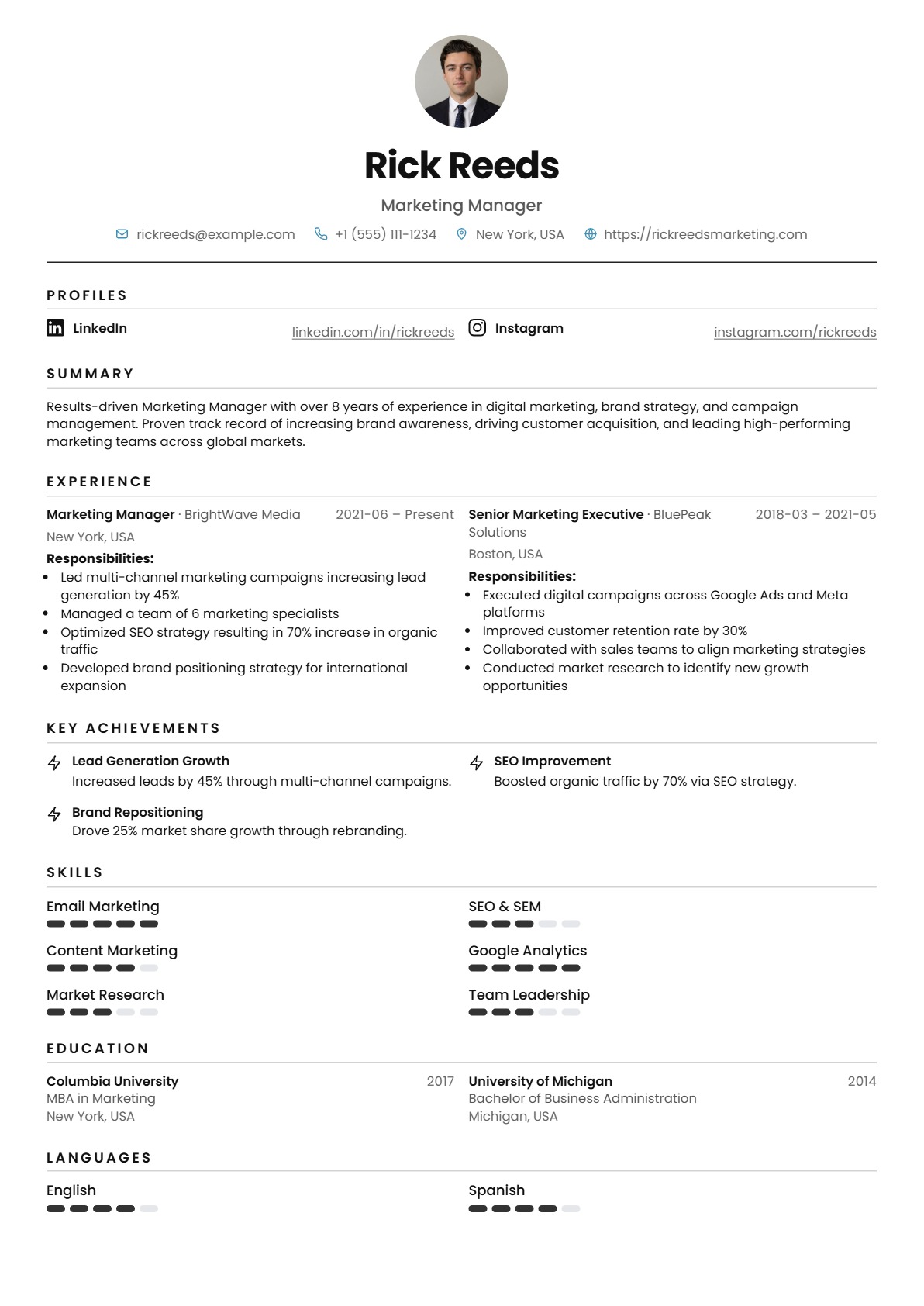
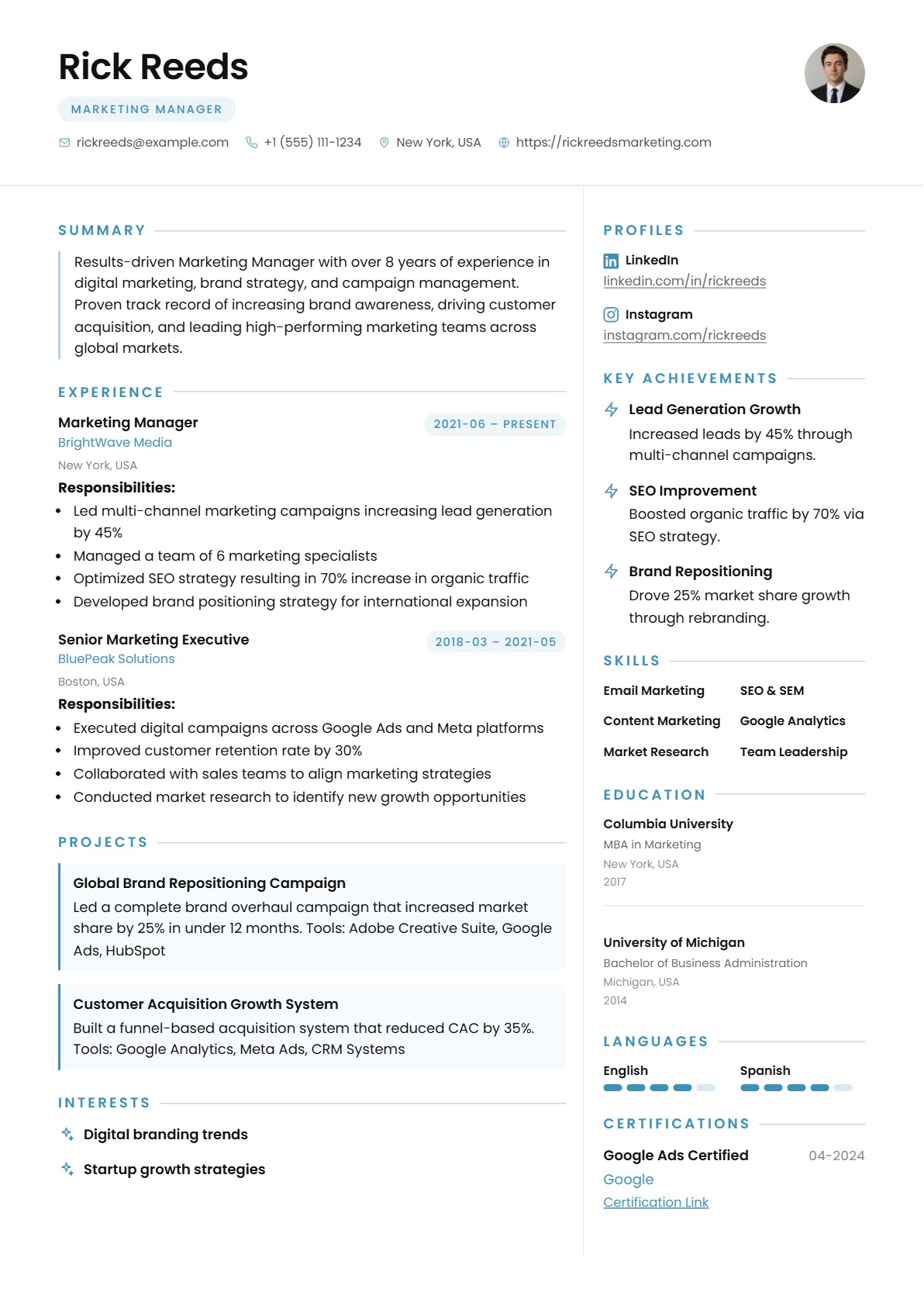
Tired of paying for Resume builders?

We've built a free resume builder with ATS scoring, AI improvements, and structured A4 preview - powered by your own AI key.

A4 Live Preview
80%

Sarah Mitchell

Senior Product Designer
sarah@domain.com(555) 903-1221San Francisco, CAportfolio.sarah.design
SM

Summary

Product designer with 10+ years building high-conversion B2B SaaS experiences. Specialized in end-to-end systems thinking, interaction design, and measurable user outcomes across acquisition, onboarding, and retention journeys.

Experience

Senior Product Designer
Arcadia Labs
2022 – Present
  • Led design of collaborative resume workflows; boosted activation by 28%
  • Reduced first-resume completion time by 34% through progressive onboarding redesign
  • Managed a team of 3 junior designers, running weekly design critiques
  • Partnered with PM and engineering to ship 6 major features in 18 months
Product Designer
Bloomstack
2019 – 2022
  • Built a scalable design system adopted by 7 product squads company-wide
  • Improved release velocity by 40% with reusable, documented UX patterns
  • Conducted 60+ user interviews to shape the core B2B dashboard experience
UX Designer
Trellis Digital
2016 – 2019
  • Designed end-to-end flows for a fintech mobile app serving 200K+ users
  • Reduced support tickets by 22% by redesigning the account settings experience
  • Collaborated with engineers on a React component library (50+ components)

Projects

ATS Fit Analyzer

Designed scoring feedback loops that improved keyword matching rates by 22%.

Resume Copilot

Prototyped AI suggestions panel with confidence tags and one-click rewrite actions.

Awards

Awwwards Site of the DayTrellis fintech app recognized for exceptional UX & interaction design, 2018

Featured in UX Collective"10 Designers Redefining Onboarding" — 2023

Config 2022 SpeakerPresented on scalable design systems at Figma's annual conference

Skills

Product StrategyUX ResearchFigmaDesign SystemsA/B TestingPrototypingUsability TestingWireframing

Education

Carnegie Mellon University

M.S. Human–Computer Interaction

Class of 2016

University of Washington

B.S. Human–Computer Interaction

Class of 2014 · GPA 3.8

Achievements

Awwwards Site of the DayTrellis fintech app recognized for exceptional UX, 2018

Featured in UX Collective"10 Designers Redefining Onboarding," 2023

Config 2022 SpeakerSpeaker at Figma's annual design conference

CMU Dean's Merit AwardTop 5% of HCI graduating cohort, 2016

Profiles
Dribbbledribbble.com/sarahmitchell
LinkedInlinkedin.com/in/sarahmitchell
Behancebehance.net/sarahmitchell

Profile

Senior Product Designer with 8+ years crafting intuitive digital products at the intersection of user empathy and technical precision. Led design initiatives that scaled across 3 product lines at Arcadia Labs, reducing onboarding friction by 40%.

Experience

Senior Product Designer

2019 – Present

Arcadia Labs

  • ·Scaled design systems across 3 product lines serving 2M+ users
  • ·Led end-to-end redesign of core dashboard, improving NPS by 28 pts
  • ·Established UX research practice — 60+ usability sessions per quarter

Product Designer

2016 – 2019

Vertex Studio

  • ·Designed mobile-first experiences for fintech clients
  • ·Built component library adopted by 12-person engineering team

Achievements

40%

Onboarding improvement

2M+

Users impacted

+28

NPS point increase

60+

User sessions/quarter

Product highlights at a glance

  • 10+

    Template families

    Modern, Minimal, and Sidebar layouts you can restyle in seconds.

  • 19K+

    Resumes created

    Total resumes drafted and saved across the platform (update the figure in code as you grow).

  • 4.1K+

    Registered users

    People building and iterating on their resumes with us (update the figure in code as you grow).

  • Resumes per account

    Create and iterate on as many documents as your job search needs.

Build, tune, and ship print-ready resumes from one workspace.

Sign in with Google, manage unlimited resumes from your dashboard, and use the same editor the product is built around: structured content on the left, live A4 preview in the center, design and export on the right—plus ATS checks and PDF or JSON import when you need a fast start.

Free to use

Core editing, live preview, and essential exports are available without a paid tier—so you can focus on your story, not a subscription gate.

One-click sign-in

Create an account or sign in with Google in a single step—fewer passwords to manage and a faster path from landing page to editor.

Data security

Passwords are hashed, sessions are handled with secure cookies, and your resume data stays tied to your account—built with the same care as the rest of the app.

Unlimited resumes

Create as many resume documents as you need from the dashboard—iterate on versions, roles, and industries without hitting an artificial cap.

Dashboard overview

See recent edits, activity over time, template usage, and quick access to your resumes in one overview—so picking up where you left off takes seconds.

Flexibility

Edit rich sections in the form panel, reorder blocks and columns when you are ready to commit, and tune margins, fonts, accents, and page size from the design panel—all without leaving the single-screen workflow.

10+ polished looks

Three core layouts—Modern, Minimal, and Sidebar—combine with typography, accent colors, backgrounds, and A4, Letter, or freeform page modes so you can land on ten or more distinct, professional appearances.

ATS & job fit

Open the ATS modal for resume quality scoring, role-based fit, or paste a job description to see how your content aligns—before you hit apply.

PDF & JSON import

Bring an existing resume in from PDF with structured mapping, or paste portable JSON—then refine every field in the editor with full control.

Vector-quality PDF export

Export through the browser print pipeline so your A4 layout stays crisp—typography and vectors scale cleanly for recruiters and ATS-friendly handoffs.

Instant one-click preview

Your edits flow straight to the center canvas: one workspace means you always see the live page as you type—no export step just to check the look.

Live editing

Structured sections, skills, and design controls all write to the same state—change a headline or margin and the preview updates immediately.

How it works

Four steps to a polished resume

Click a step to focus it — completed steps stay marked as you go.

Full breakdown of each step appears on larger screens.

FAQ

Frequently Asked Questions

Quick answers about accounts, exports, templates, and how your data is handled.

  • You can explore the marketing site and learn how it works anytime. Creating and saving resumes in the editor uses a free account so your work is stored securely and synced to your dashboard.

  • You can export a print-ready PDF (vector-friendly via the browser print pipeline), a DOCX file for Microsoft Word, and portable JSON so you always own a structured copy of your content.

  • Choose from core layout families (such as Modern, Minimal, and Sidebar), then tune typography, accents, and margins in the design panel. The center canvas updates in real time as you edit—what you see is what you print.

  • Yes. Open the ATS tools in the editor to run resume quality checks, role-based fit scoring, or paste a job description to compare your content before you apply.

  • You can start from a PDF with structured mapping or paste JSON from a previous export. Everything lands in the same editor so you can refine every section without retyping from scratch.

  • Passwords are hashed, sessions use secure cookies, and your resume documents are tied to your account. You can also download JSON anytime for your own backups.